- All students (regardless of age) should not be registered in the same course at multiple schools, during the same enrollment period.
- Metro does NOT offer waiting lists for academic classes. Seats may become available due to student withdrawals. Check our website regularly for the latest class availability.
To complete an academic course, students will require internet access and access to a computer (laptop, Chromebook, or desktop) with a working microphone and camera (either built-in or external). Courses will be delivered on the G Suite (Google Classroom) platform. Tablets and cell phones are not recommended as they cannot support the programs students are required to use. The expectation is that student cameras are on during synchronous activities to foster active participation and community building.
For secured assessments, students need 2 cameras:
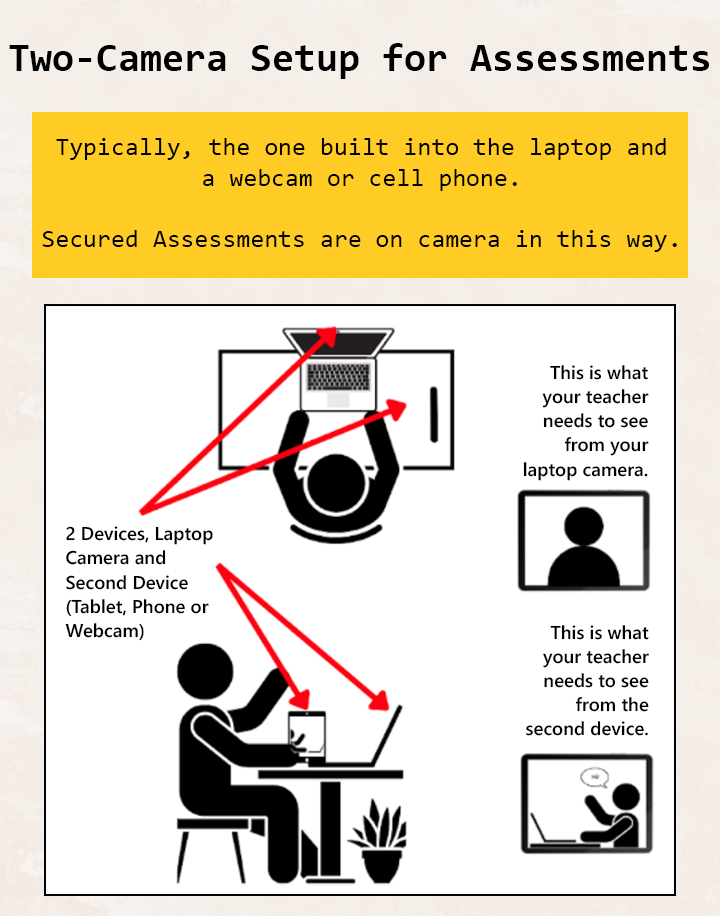
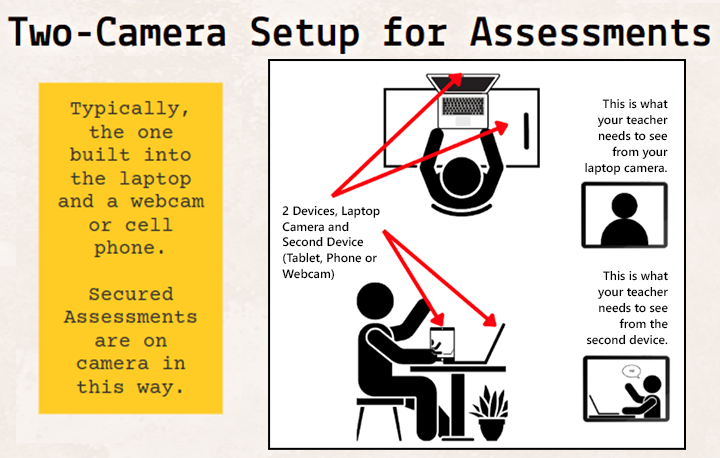
- Metro Evening/Weekend Academic Two-Camera setup for Assessments
- Typically, the one built into the laptop and a webcam or cell phone. Secured Assessments on are camera in this way.
- Main information
- 2 Devices, Laptop Camera and Second Device (Tablet, Phone or Webcam)
- Laptop camera screen: Shows front view of student
- This is what your teacher needs to see from your laptop camera
- Second device screen: Shows zoomed out side view of student
- This is what your teacher needs to see from your second device
Academic Evening-Weekend Classes | Metro Continuing Education | Edmonton Public Schools | metrocontinuingeducation.ca
Click the image to zoom in (opens in a new window)


 Login
 Email Us
 Call Us


